


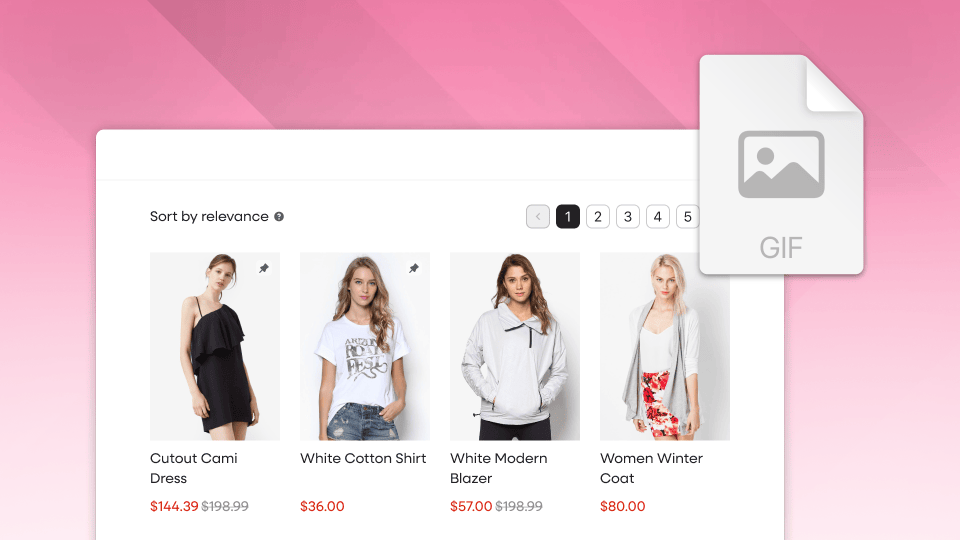
Got video or GIFs on your products? Boost can now put them front and center automatically. Just turn on "Show Video/Gif as first image" under Product Item > Layout in your Boost Template, and every product with video or GIF media leads with it across your whole catalog. No more reordering media in Shopify one product at a time.
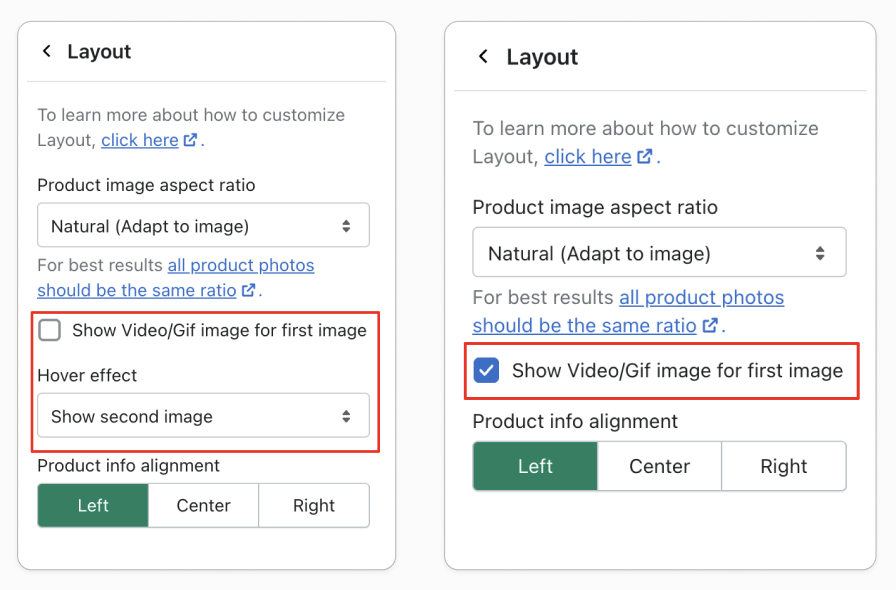
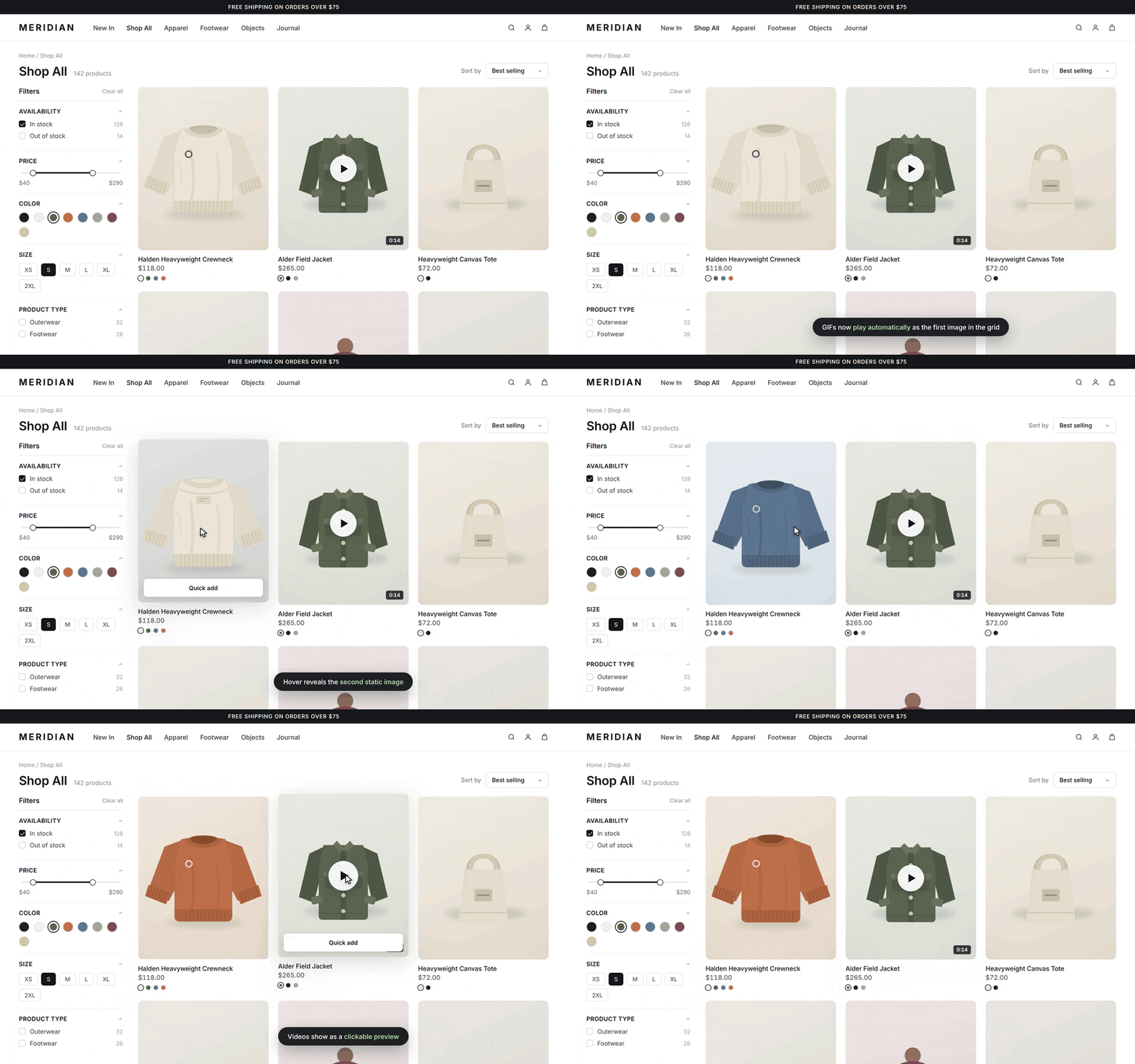
Videos appear as a click-to-play thumbnail, and GIFs play right in the grid, switching to your second image on hover.
Motion is one of the fastest ways to stop a shopper mid-scroll. Leading with it on collection and search pages pulls more eyes in and gets shoppers clicking into product pages sooner, all from a single setting, no developer needed.
A few tips to get the most out of it:
- Keep GIFs short and light (2 to 4 seconds, small file size) so your grid still loads fast.
- Save video for lifestyle or hero moments, and let GIFs handle quick demos like fit, texture, or movement.
- Since your second image shows up on hover, make sure it's a strong static shot.
- And if you've got a big catalog, start with best-sellers or new arrivals so you can see how it looks before rolling it out everywhere.