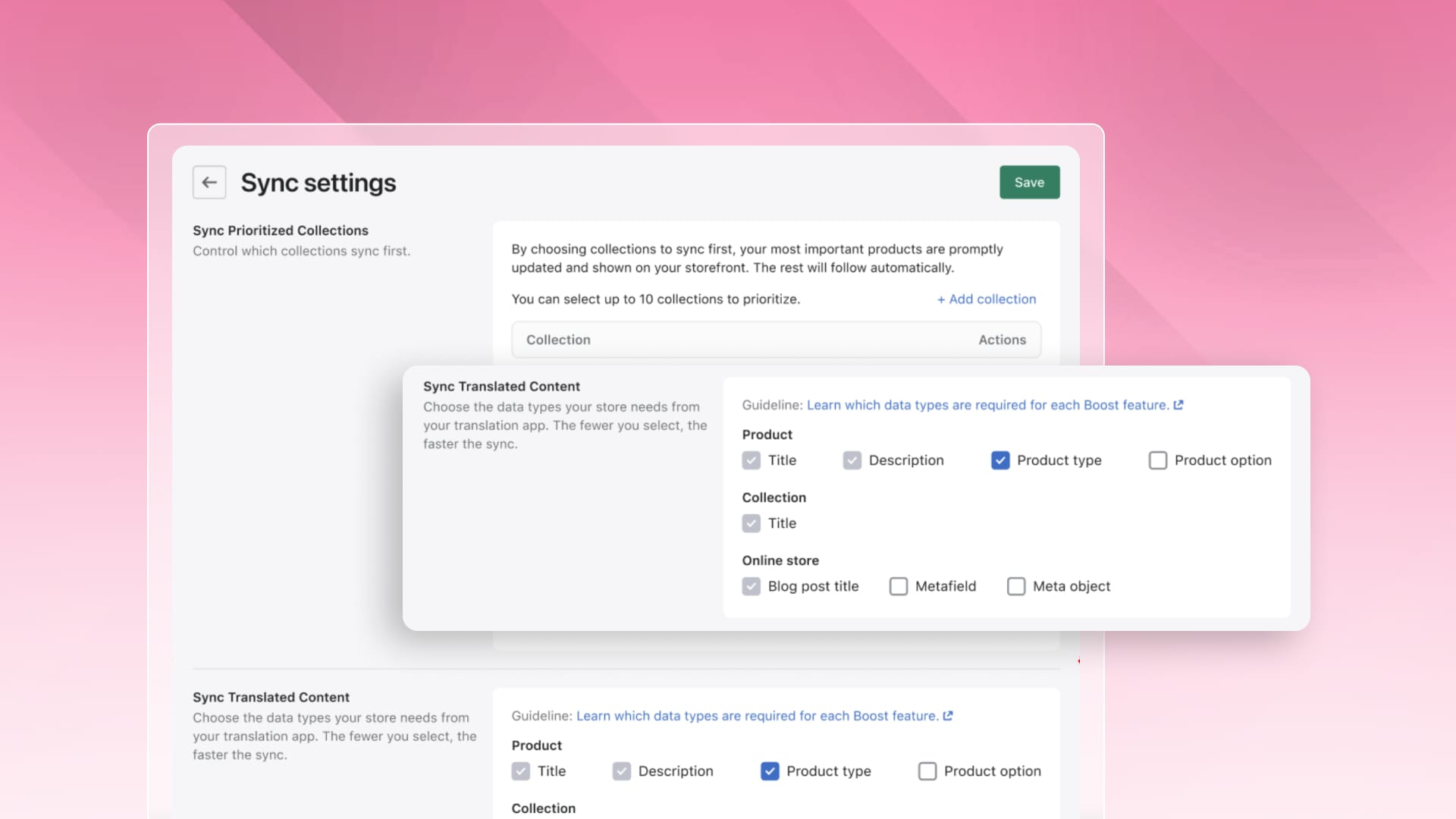
Sync Translated Content: filters in every language
Boost
Published
•
October 9, 2026
Feature Enhancement
Translating product pages, collections, and navigation ensures your store speaks your shopper's language. Previously, filters could remain in your default language, creating a disconnected experience for international shoppers.
Sync Translated Content fixes this by importing translations from your app and displaying filters in each shopper's preferred language.
What's new
Filters that match your storefront. Boost reads the translations for each language you've published and applies them to your filters, so every shopper browses in one consistent language.
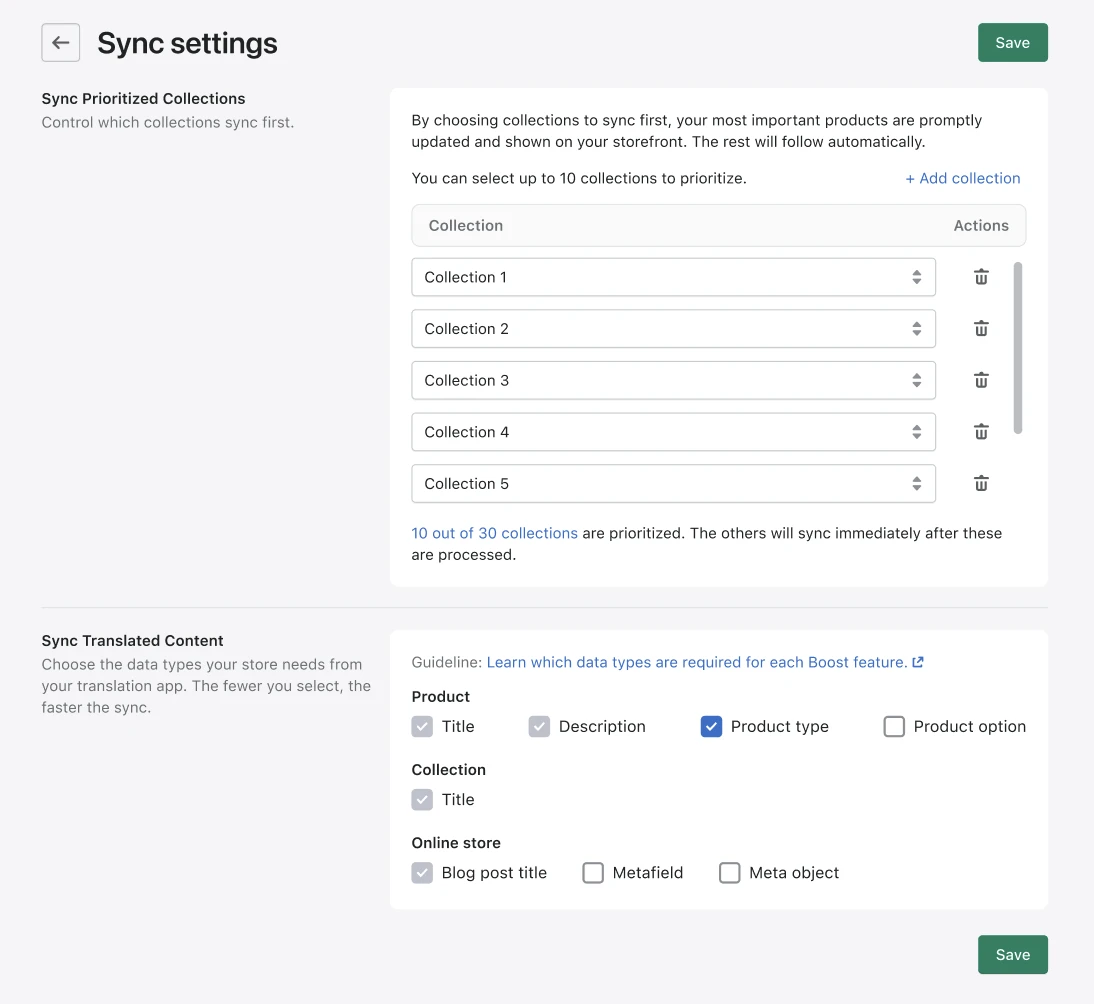
Core content, always covered. Product titles, product descriptions, collection titles, and blog post titles are always synced. You don't need to set anything up.
You choose what else to sync. Turn on product types, product options, metafields, and metaobjects when your filters rely on them.
Works with the app you already use. Sync Translated Content supports Langify, Shopify Translate & Adapt, LangShop, and Transcy.
What this means for you
International shoppers get a store that feels built for them, from the first search to the last filter they click. You don't need to switch translation apps or translate anything twice. Boost uses the translations you've already made.
How to get started
In your Boost dashboard, go to Sync Settings. If you're viewing one of the translation apps listed above under Third Party Integrations, you'll also see a shortcut to this page.
Under Sync Translated Content, choose any extra data types you want to sync.
Click Save. Boost will run a new sync to bring your translations in.
Get a full walkthrough in our Help Center (to attach help article link).
Good to know
Sync only what you need. Each extra data type adds time to your sync, so choose the types your filters actually use.
Publish your languages first. Boost can only sync translations for languages that are published in your store. If none are published, nothing is synced.
Available on Turbo. Sync Translated Content works on the Turbo version of Boost. If you switch back to an earlier version, product types, product options, metafields, and metaobjects will show in your default language again.
Transcy support is new and only available on Turbo.
Have questions or need assistance? Start a live chat directly from your Boost dashboard, and our team will support you immediately.
Boost's new Sync Translated Content setting pulls translations from the translation app you already use and applies them to your filters for each published language. Product titles, product descriptions, collection titles, and blog post titles sync automatically. You can also sync product types, product options, metafields, and metaobjects so the whole shopping experience matches your storefront.