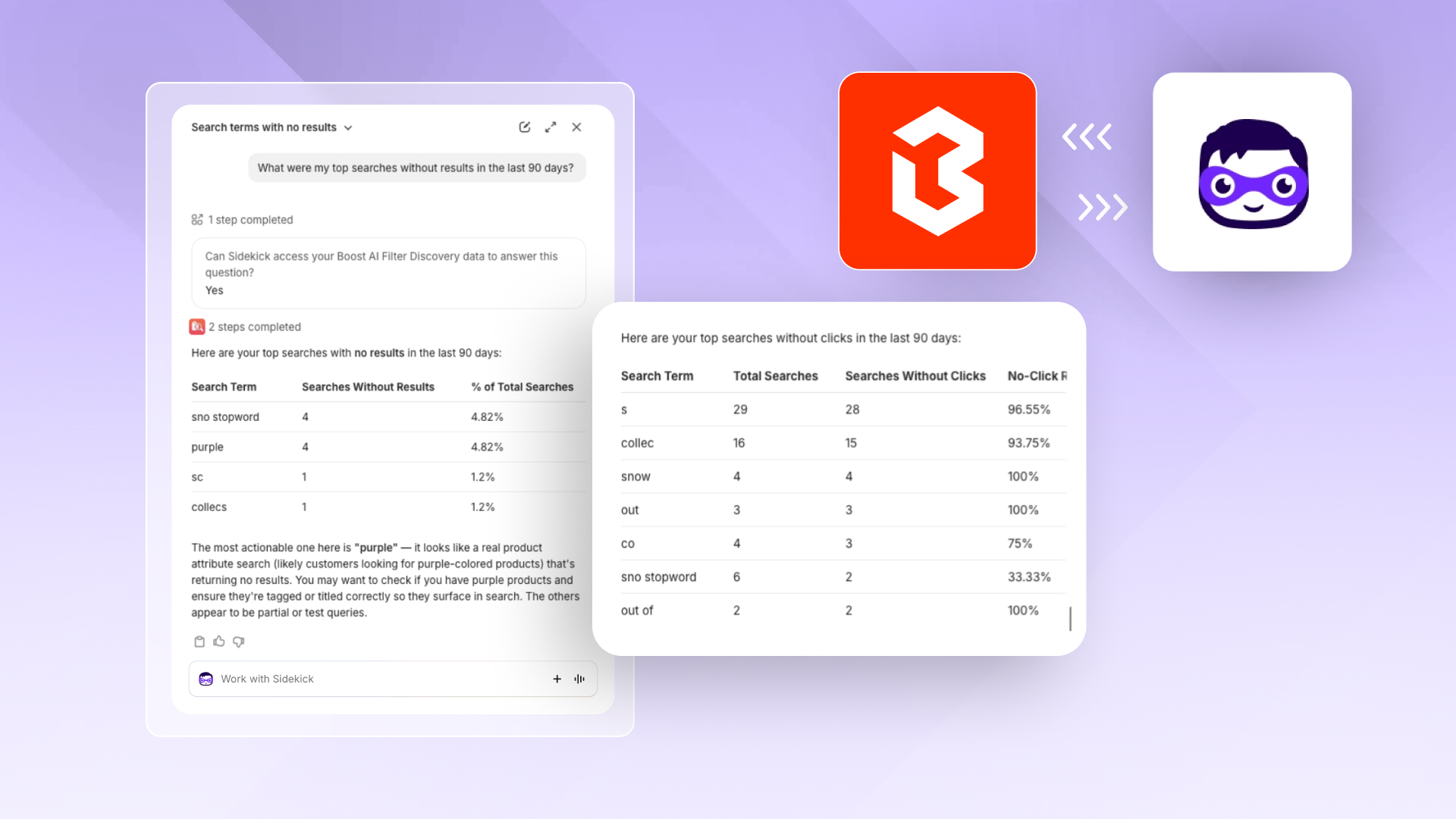
Accessing store data when questions arise shouldn't require navigating Boost reports or manually setting date ranges. Now, you can simply ask Sidekick.
Boost Commerce integrates with Shopify Sidekick. There's nothing to set up. Sidekick answers questions about your Boost analytics directly within your Shopify admin, automatically locating the necessary data without requiring you to mention Boost.
What you can ask Sidekick
- App Impact: See the revenue, orders, conversion rate, average order value, and revenue per visitor that Boost drives across Search, Filters, and Recommendations. Try: "How much revenue did Boost drive this month?"
- Search: Find your top searches, click and conversion rates, and the searches that get no clicks or no results. Try: "Which search terms returned no results?"
- Collections & Filters: See your top collections, collection revenue, and the filters and filter combinations shoppers use most. Try: "Which filters do shoppers use most?"
- Recommendations: Check revenue, click and conversion rates, and your top pages, widgets, and products. Try: "How are my recommendation widgets performing?"
Go from insight to action in one step
Finding a problem is only half the job. Sidekick also takes you to the place where you can fix it:
- Searches with no results? Jump to the Synonyms page and connect those terms to the products shoppers are looking for.
- Want to change what shoppers see first? Open Search Merchandising from any search insight to pin, boost, or bury products.
You stay in control. Sidekick only links you to the right page, and nothing changes in your store until you make and save the change in Boost.
How to get started
- Open Sidekick from the top-right corner of your Shopify admin.
- Ask Sidekick a question about your store's search, filters, or recommendations.
- The first time, Sidekick will ask for permission to access your Boost data. Choose "Yes, and don't ask again" to skip this step next time.
Get a full walkthrough in our Help Center.
You can now get answers about your Boost performance from Shopify Sidekick, right inside your Shopify admin. Ask plain-language questions, like How much revenue did Boost drive this month? for instant insights into App Impact, Search, Collections & Filters, and Recommendations analytics. Sidekick can flag issues, such as zero-result searches, then you can go directly to the Boost page to fix them. Available on all Boost plans.