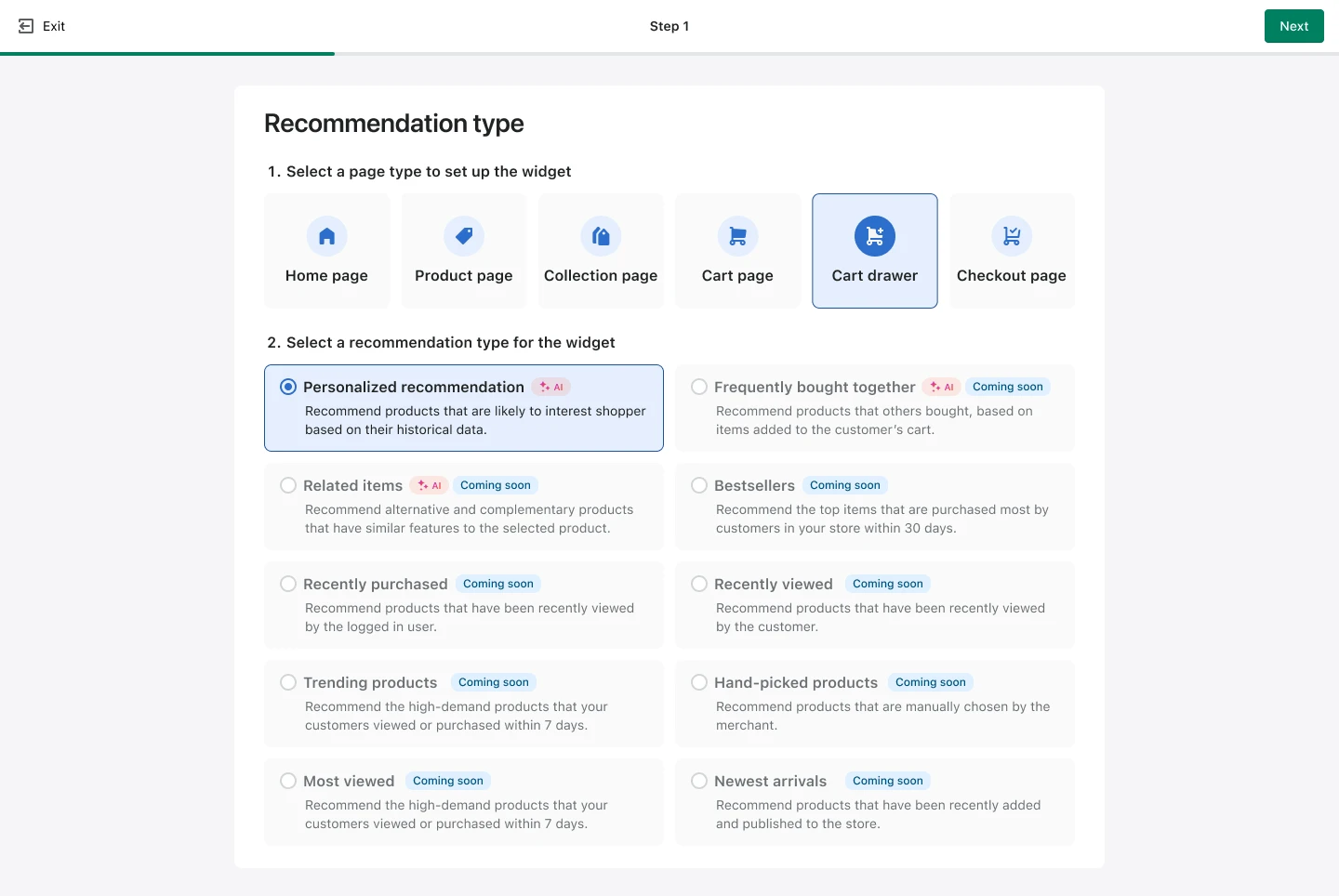
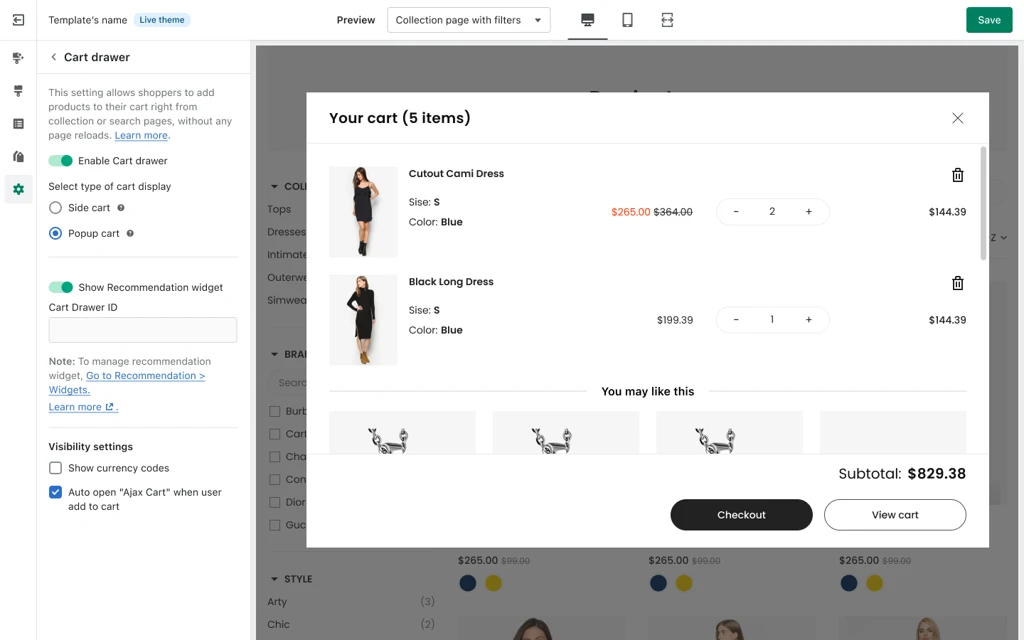
You can now add Personalized Recommendations to the Cart Drawer. This placement is designed for that high-intent moment when a shopper is reviewing their cart and deciding, “Anything else I should add?”
Note: This feature is exclusively available for users on the Accelerate plan under the new Gross Merchandise Value (GMV)-based pricing structure.
If you are currently on the old pricing tier, which is based on your product catalog size, please reach out to us via the live chat in the app dashboard for detailed instructions on upgrading your plan.
In this first release:
New placement (when you create a product recommendation): Cart Drawer (new page type)
Recommendation type: Personalized Recommendation (more types are coming soon, like Frequently Bought Together and Related Items)
Visual Editor: Now supports Cart Drawer setup
Naming update: “Ajax Cart” is now “Cart Drawer” everywhere in-product
Why we built this
Boost is here to help Shopify brands turn product discovery into a growth engine, not just a search box. Cart is a key discovery moment, too. Merchants asked for a way to surface relevant products right where shoppers are most ready to add one more item, without needing custom dev work or complicated setups.
How it helps merchants
Increase AOV with less friction: Recommendations show up while shoppers are already in buying mode.
Keep it feeling personal: The primary algorithm is AI-based Personalization (default and uneditable), so recommendations are driven by shopper behavior, not by random rules.
Stay in control: Add a secondary algorithm when you want a clear fallback (Bestsellers, Most viewed, Newest arrivals, and more).
Shopify-native experience: Built to match your Shopify themes, with Boost’s fast time-to-value approach.
Best practices to get the most out of it
Keep it tight: Start with 4-6 recommendations. Enough choice to be helpful, not so many that it becomes noise. (You can set 1-12.)
Use a smart fallback: If your catalog is seasonal or fast-moving, set a secondary algorithm like Bestsellers or Newest arrivals so the widget stays strong even when personalization has limited signals.
Match the cart layout:
Slide cart: default is 2 products per row
Popup cart: default is 4 products per row
Name it like a shopper would: The default widget title is “Personalized for you.” It’s simple, clear, and fits the moment.
Double-check theme readiness: If your linked live theme template is outdated, you’ll see a warning so you can update before going live.
Visit our Help center for a step-by-step guide to get started with a Recommendation widget in the Cart drawer.
Shoppers who open the cart drawer are already close to making a purchase. Now you can meet them there with Personalized Recommendations inside Boost’s new Cart Drawer placement. It’s a simple way to increase order value without adding friction or extra clicks. The Ajax Cart feature has been significantly upgraded and renamed Cart Drawer. This change aligns the product terminology with how merchants commonly refer to this feature.