Get a full picture of your customers with Google Analytics 4 integration
Boost
Published
•
September 1, 2026
Integration
Why we built integration with GA4
Search and discovery shape a huge part of the buying journey, but that story has always been hard to see next to everything else you track: your ad spend, your email performance, your site traffic. Merchants told us they wanted one home for all of it. So we built a direct, secure connection that brings your Boost data into the analytics platform you already check every day.
How GA4 integration benefits merchants
Once you connect your GA4 account, Boost automatically shares what shoppers are doing on your search and collection pages, what they search for, what they click on, what they filter by, what they add to cart, and what they buy. That gives you:
One place to see the whole customer journey, from the moment someone searches to the moment they check out, sitting next to every other channel you already measure.
The freedom to build your own reports and dashboards in GA4, on your terms, without waiting on anyone else to pull the numbers for you.
A clearer read on what search and merchandising are actually worth. You can finally connect the dots between how shoppers browse and what they buy.
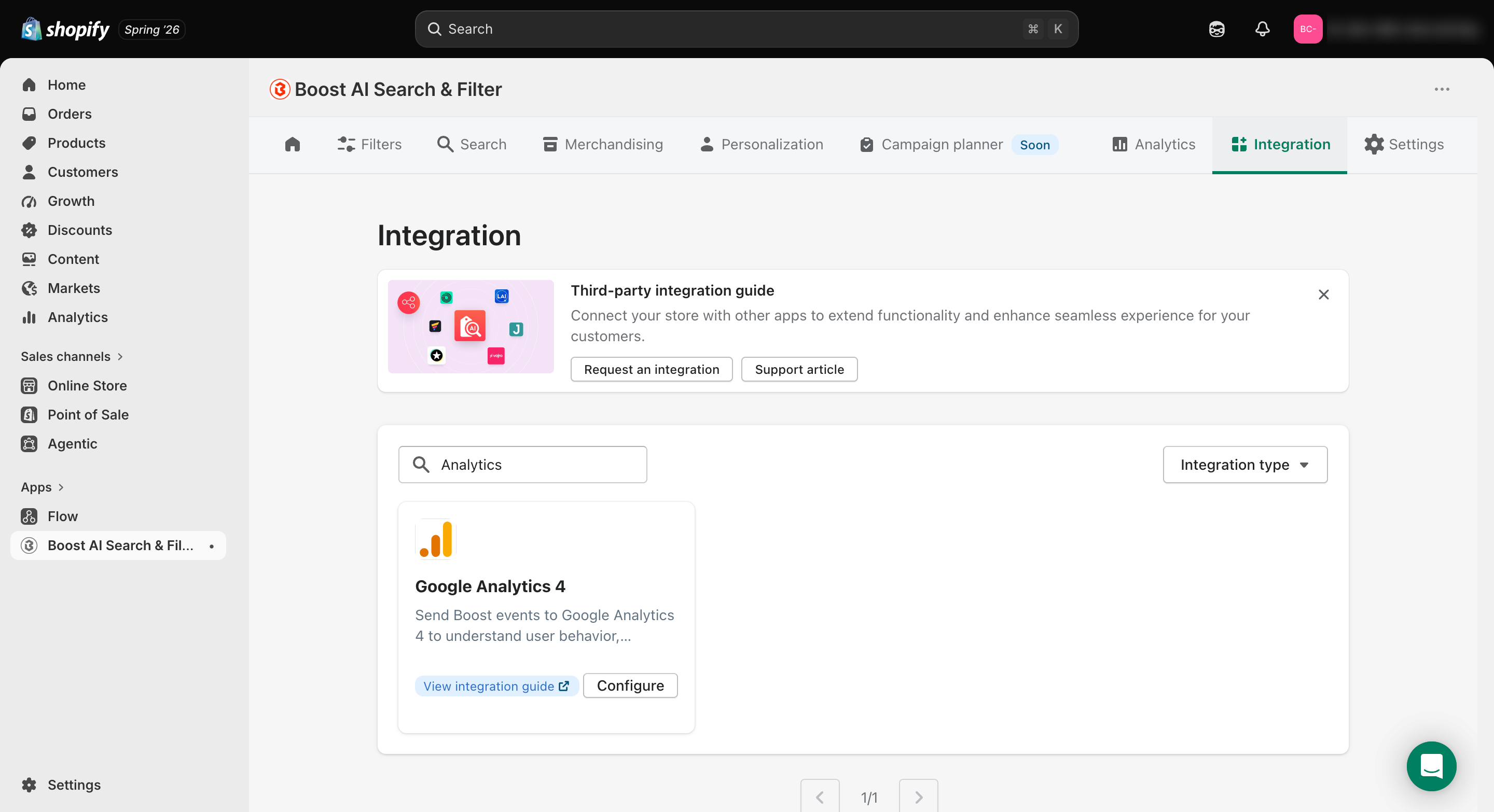
A setup that takes minutes. Just a few clicks under Integration > Third-party integration > Google Analytics 4 in your Boost dashboard, available now on the Turbo plan.
How to get the most out of GA4 integration
Connect your real, live GA4 property rather than a test one, so the numbers you see reflect your actual store.
Use a shared or admin Google account for the connection so it keeps running smoothly even if someone leaves the team.
Mark your most important actions, like searches and purchases, as key events in GA4, so they show up front and center in your conversion reports.
Pay attention to what shoppers filter by most, whether that's a brand, a color, or a size, and feature those products more prominently on your collection and homepage.
Keep an eye on search terms that get a lot of searches but few clicks. That's usually a sign shoppers aren't finding what they expect, and a good cue to adjust your synonyms or merchandising.
Give it a few days before drawing conclusions. Real-time data is great for confirming the connection works, but the real insights come once you have some volume behind them.
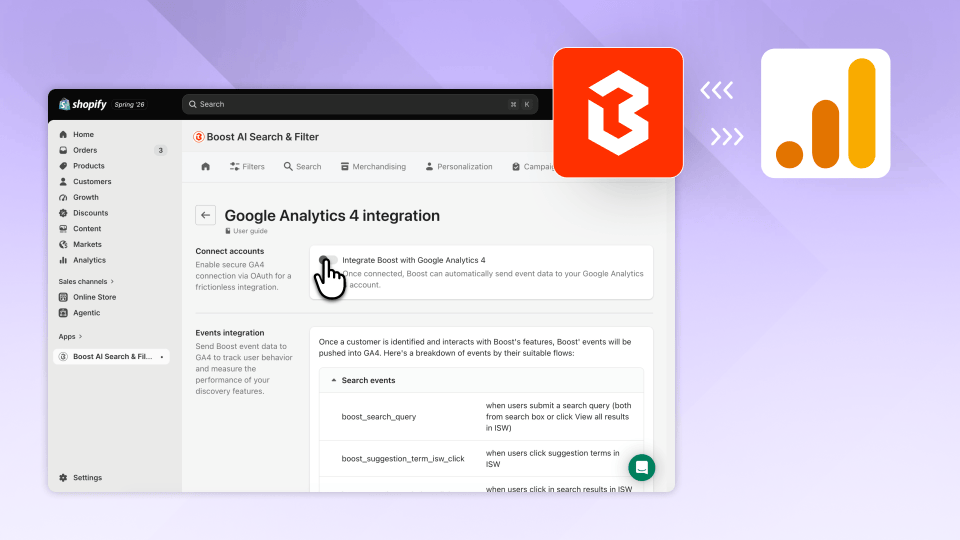
Your search and discovery data no longer has to live in its own silo. Boost now connects directly to Google Analytics 4 (GA4), so everything shoppers do while searching, filtering, and browsing your store shows up right alongside the rest of your marketing and sales data. Set it up once and let it run. No developer, no extra tools, no more piecing together the story from two different places. Just one clear view of what's actually driving your revenue.


.png)